
share to
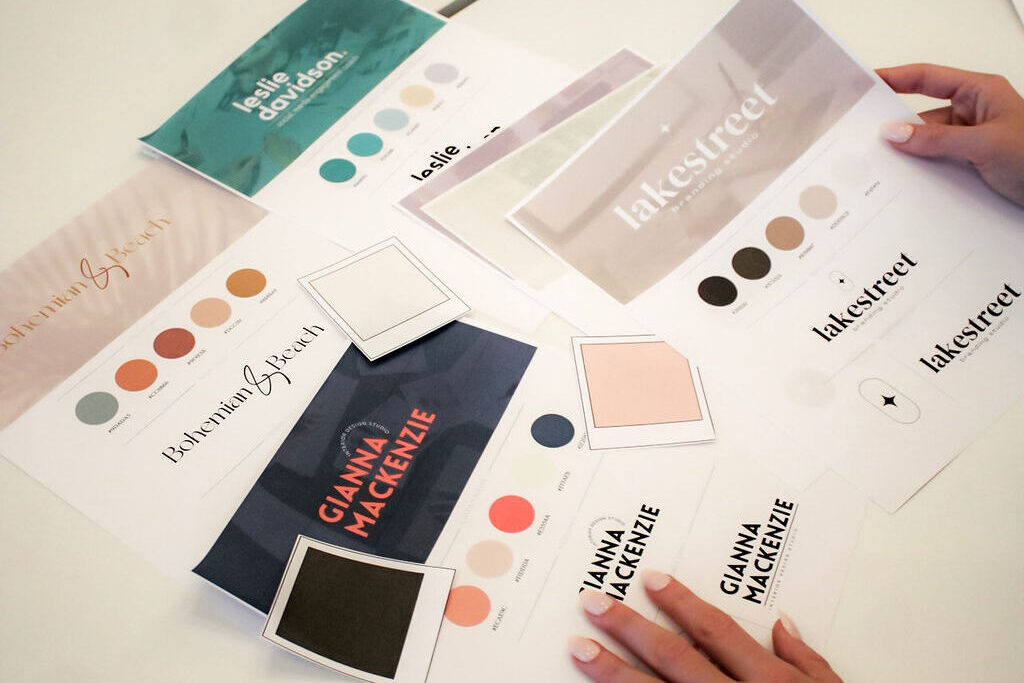
As a small business, your visual brand speaks volumes before you even have a chance to speak with potential clients or customers. When you have professional and ready-to-customize and use Canva templates, it saves time and ensures consistency across your customer experience. You can always outsource your Canva Template Creations! Here are five essential templates you need in your business toolkit:
- Welcome Guide/Client Onboarding Book
Your client welcome guide is the client’s first in-depth look at working with your brand. These Canva designs should include:
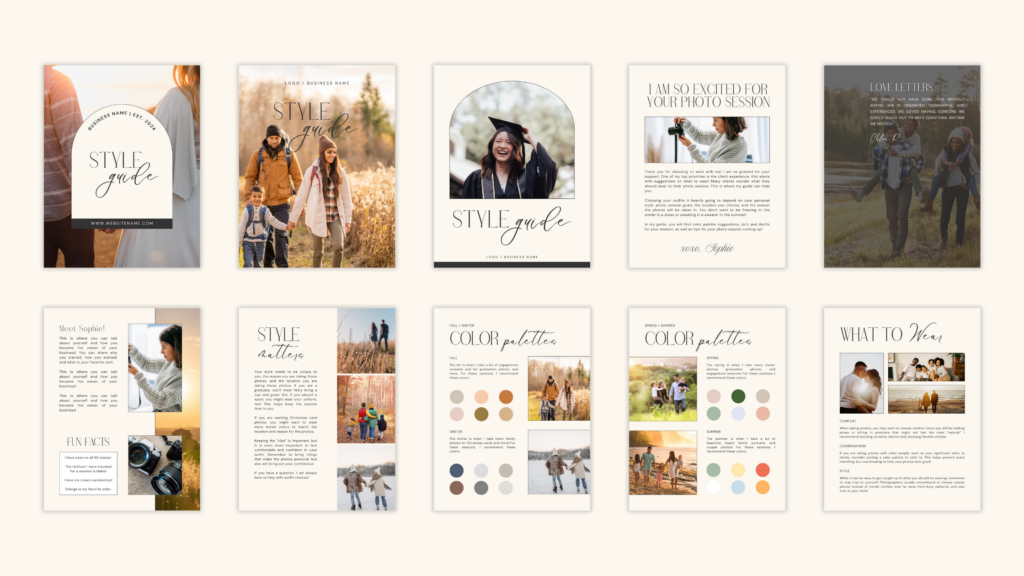
- An introduction to your business
- About the owner / team section
- Your service and pricing breakdown
- Expectations + next Steps
- Frequently asked question and answer section
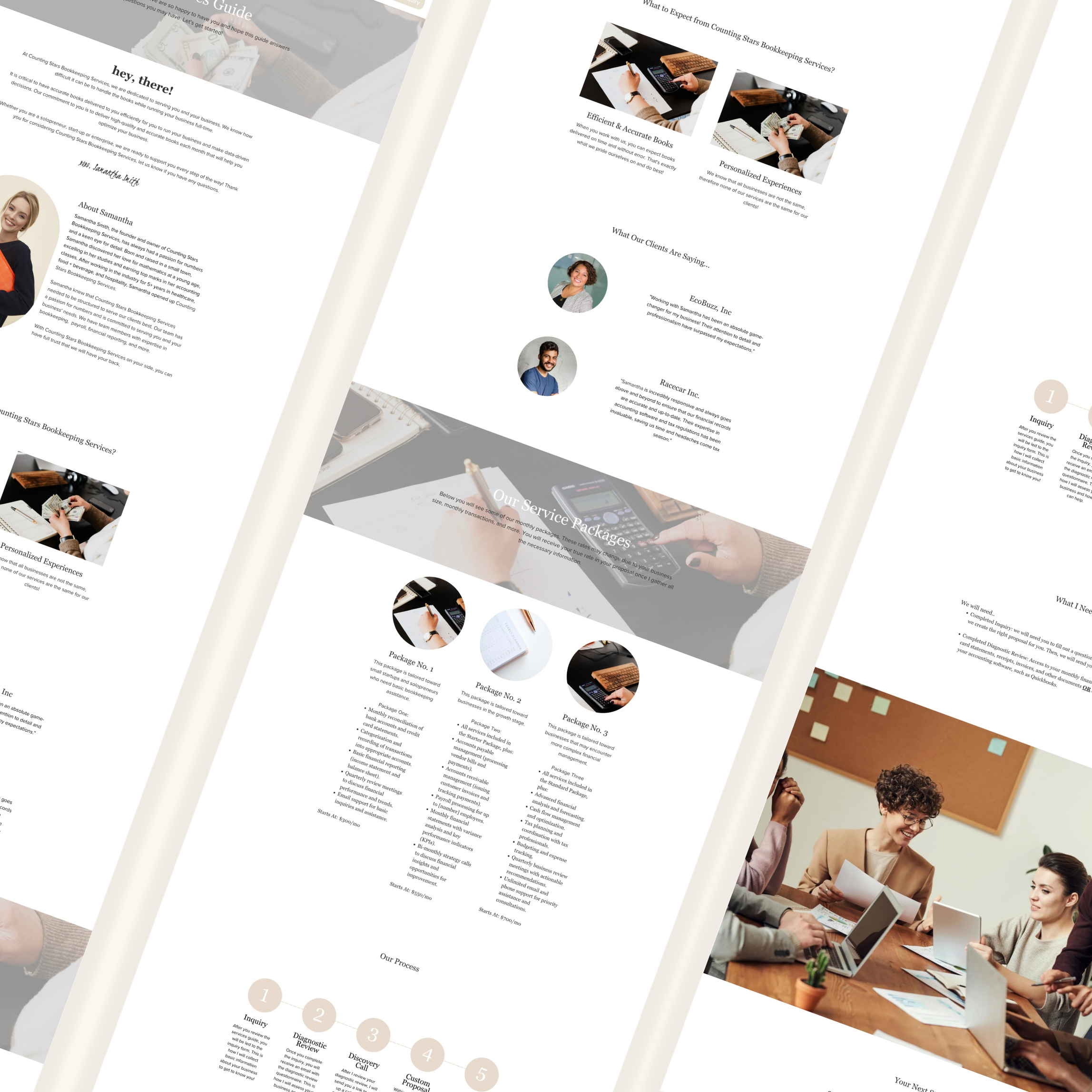
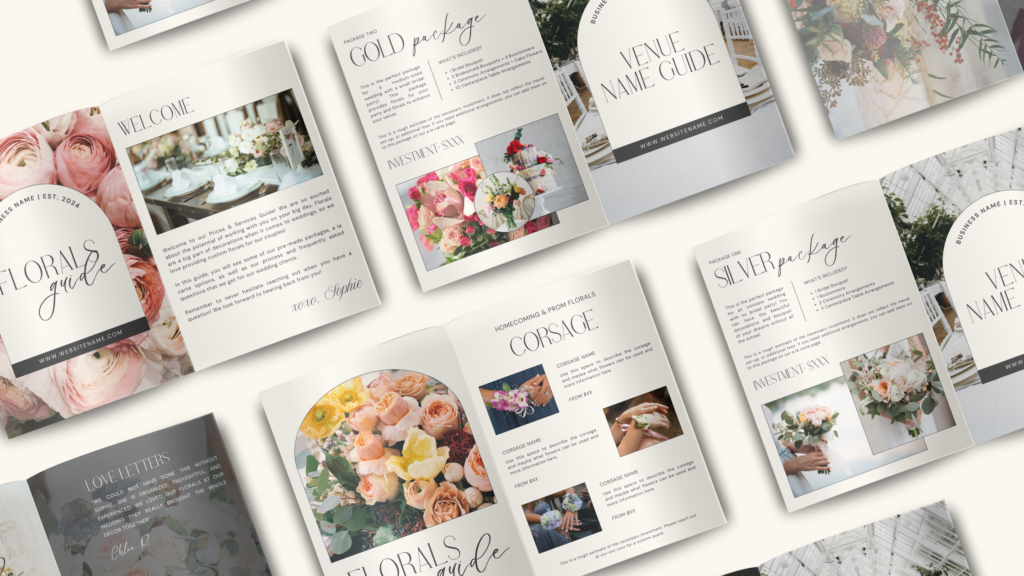
- Service and Pricing Guide
This Canva template is more than just listing pricing for your business – it’s about showcasing the value of your business and work you provide. You can include:
- Welcome section
- Client reviews
- Service packages and deliverables
- Add-on services
- The process overview
- Call to action or next steps
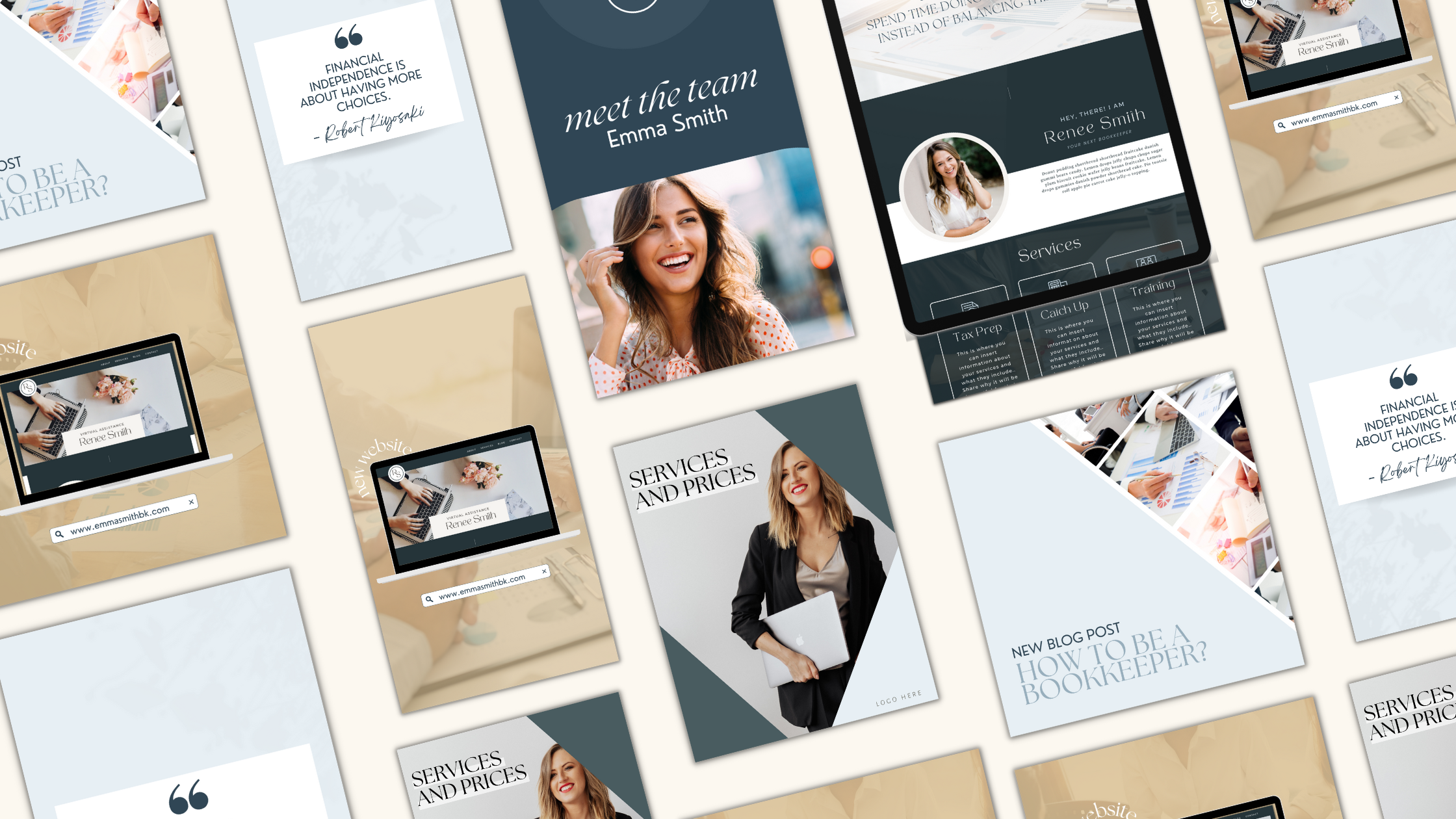
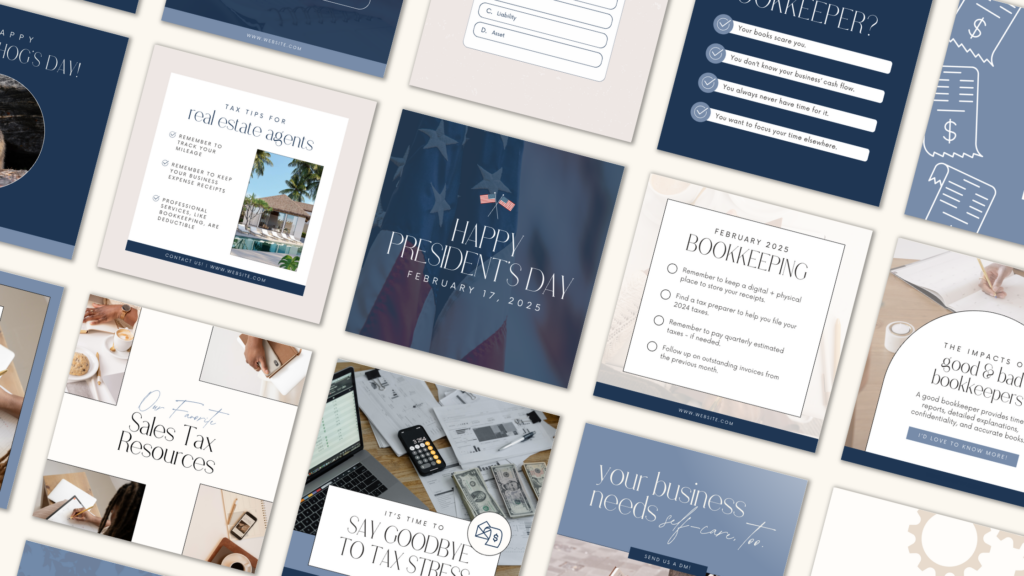
- Social Media Templates
Social media helps create trust with new clients and can serve as a digital home for your business. There are many Canva templates that are important to have, such as client testimonials. Here are some template ideas:
- Frequently asked questions
- Meet the team
- Quotes
- Services
- Sale
- Limited edition
- Out of office
- Behind the scenes
- Before and after
- Holiday
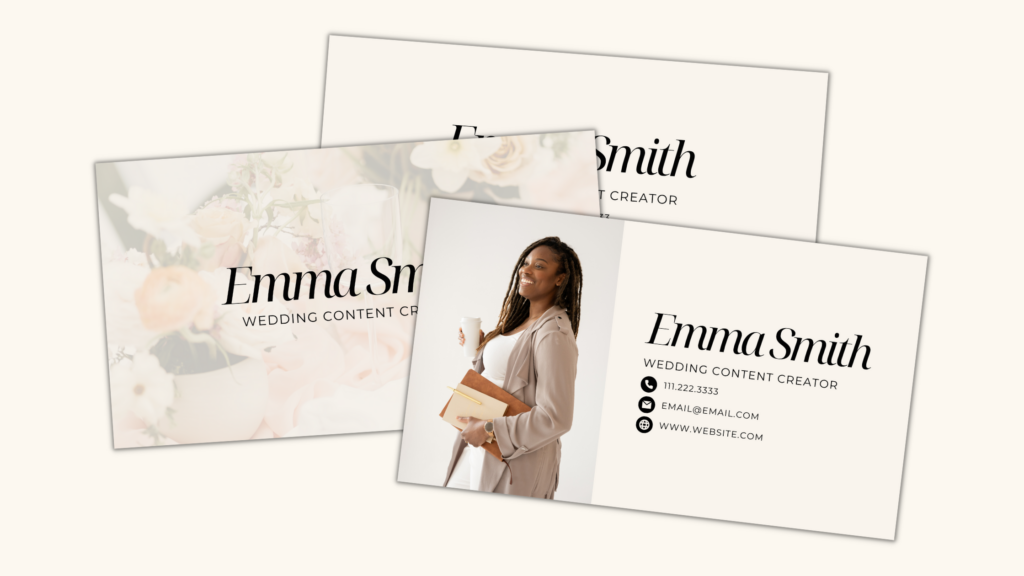
- Business Cards
You can look into creating digital or physical business cards for your business to help create connections digitally or in-person. You can do both in Canva! Here are some things to include:
- Your brand colors
- Your brand logo
- Your name
- Your contact information
- Your job title
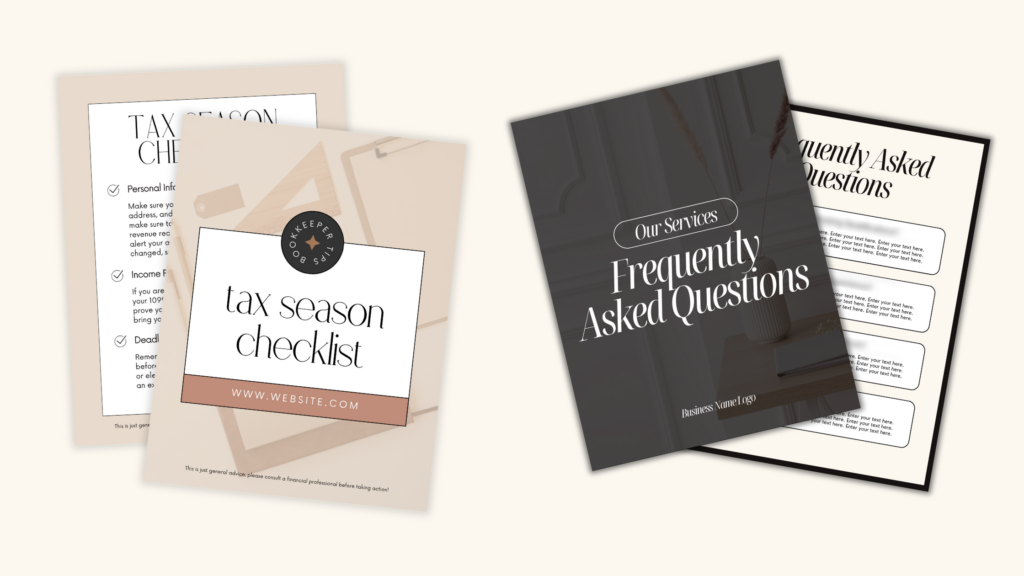
- Lead Magnet
If you want to create an e-book or have a marketing funnel with a lead magnet, then it is great to have some Canva e-book templates and lead magnet templates! Here are some general pages to think about adding to your next e-book:
- Cover page
- About pages
- Title / Cover pages
- Text-only pages
- Review page
- Next steps page
- Contact page
Pro Tip: Outsource!
Interested in having someone create custom Canva templates for your brand? Let’s chat! I have been designing in Canva for many years now and have designed newsletters, social media posts, service guides, and so much more. I offer monthly or hourly services for Canva design!
Final Thoughts
Remember that templates are supposed to help you save time! In order to make the most of your templates, make sure you:
- Create Canva Brand Kits for your business
- Upload your photos and necessary assets into folders in Canva
- Organize your Canva creations into folders
- Use and refresh templates as you go
- Reach out when you have too much on your plate